1. Install WolfPack Scores
Open wolfpackscores.com in Safari (iPhone) or Chrome (Android). Add it to your home screen so it works offline on the course. You can play as a guest — no account needed.
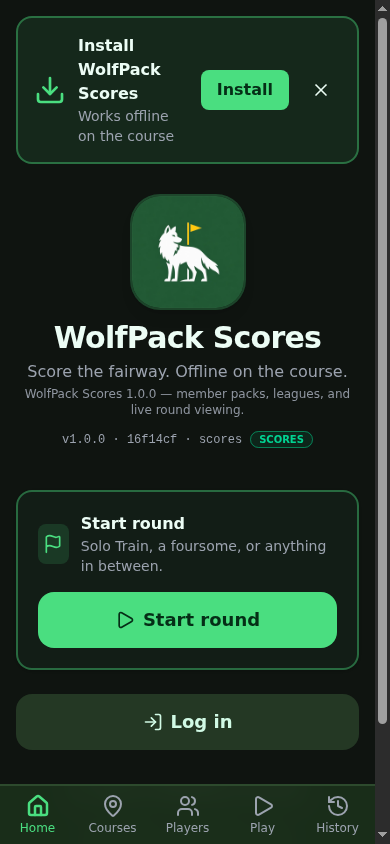
1 / 2 · Home — Install banner, Start round, Log in.
2. Add courses
Courses → Sample course packs → Flathead Valley Starter Pack → Load courses. That puts Buffalo Hill and the other valley courses on this phone.
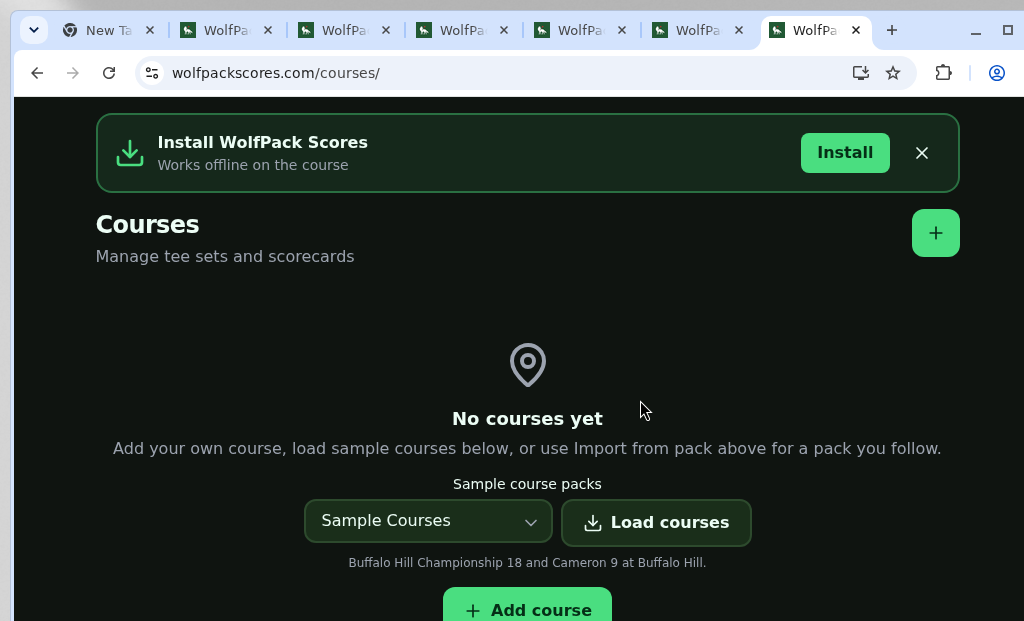
1 / 4 · Empty Courses — pick a sample pack.
3. Set up the round
Play (or Home → Start round). Pick Buffalo Hill Championship 18 and Stillwater (Blue). Add four players by first name. Tick Wolf, set the wager to $0.50, turn on Carries, cap the max at $10, then Tee off.
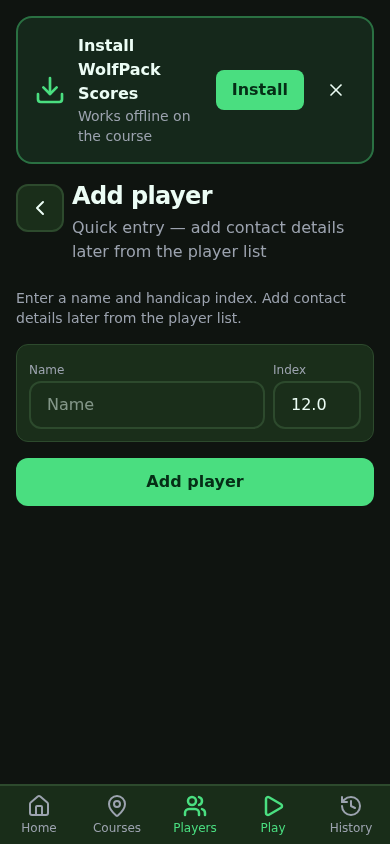
1 / 3 · Add players — first name and index.
4. Enter the round
On each hole: make the Wolf pick, type gross scores in Fast entry, tap Apply, then check Game Status. Gold highlight is the hole winner.
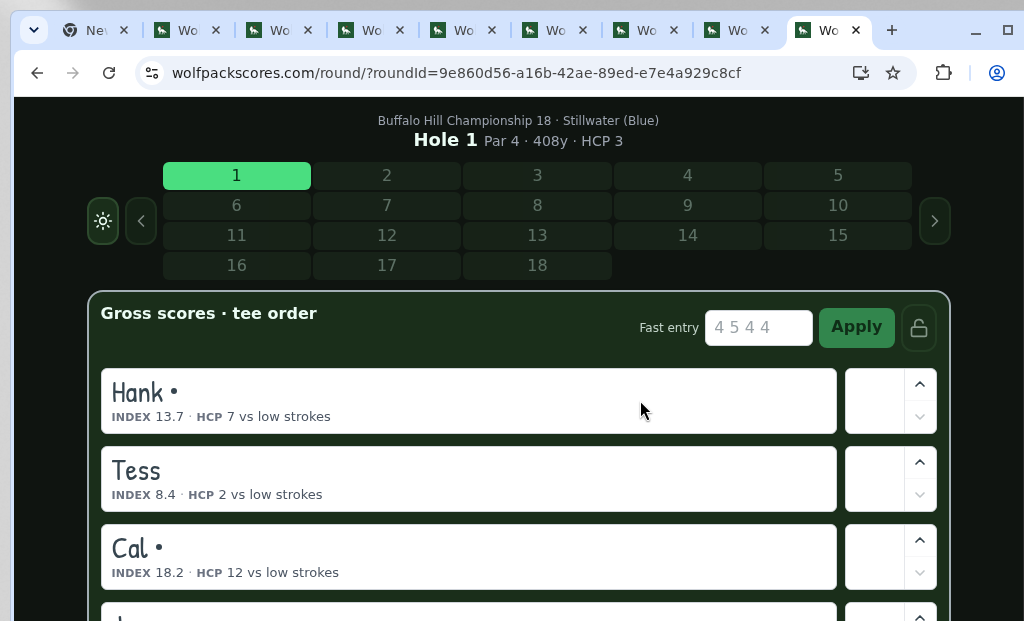
1 / 6 · Hole 1 after Tee off.
5. Finish the round
Finish round (skip the backup file if you do not need one). History keeps the card — open it for Leaderboard, Scorecard, Games, and Winnings.
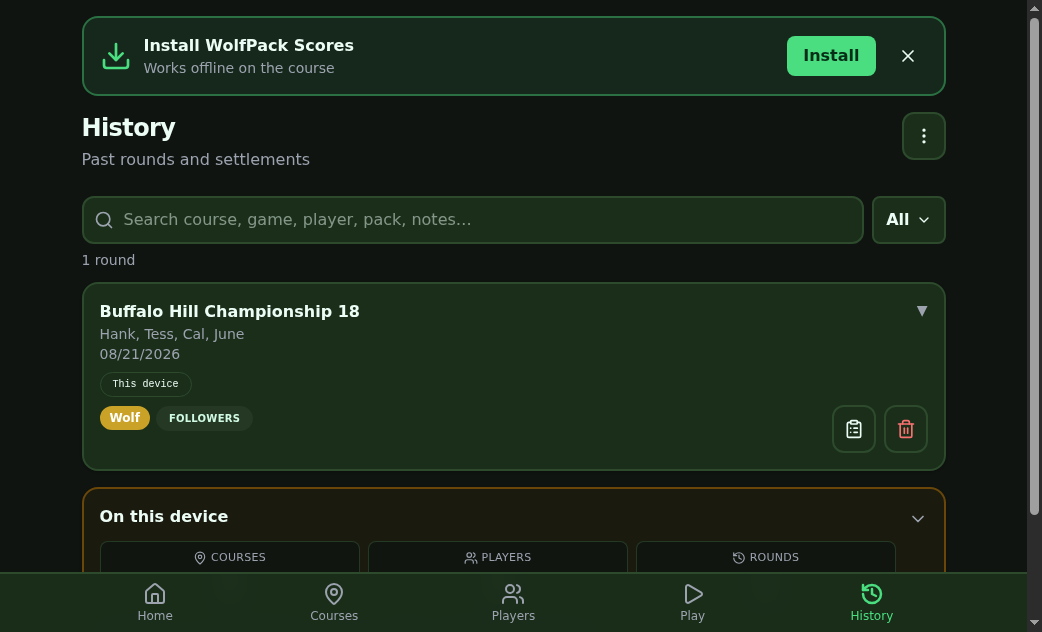
1 / 2 · History — the finished round.